Edit

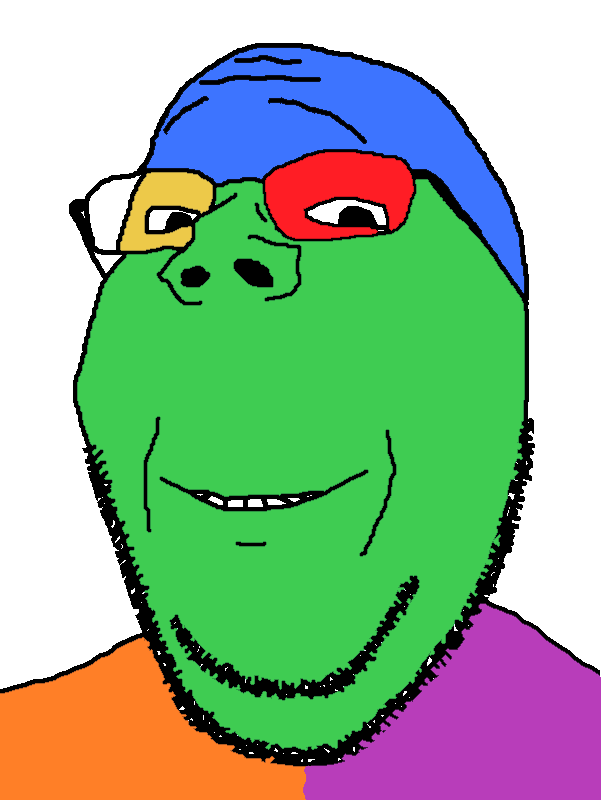
I take the short bus to school and love trains!!Your meme: Stolen *attaches image of a character*)Who wants to read my sonichu fanfiction I made:)Man this piece of media is such a hyper fixation!!HIII do wanna be my friend?? i like silly cars too haha Trains Trains! chuga chuga chuga chuga choo choo!!This 90s retroart, VHS analog horror is so good!!!Only cool people get to have my fruit snacks chud!Do u of you guys want to roleplay sonic CD for recessMy mom says you guys simply don't understand me... I am fucking retarded btw, if that matters i hab the an iq == 28 btw if theT matters. JI have an IQ of about 172 btw, if that mattersCheck out my power rangers figurine collection!!


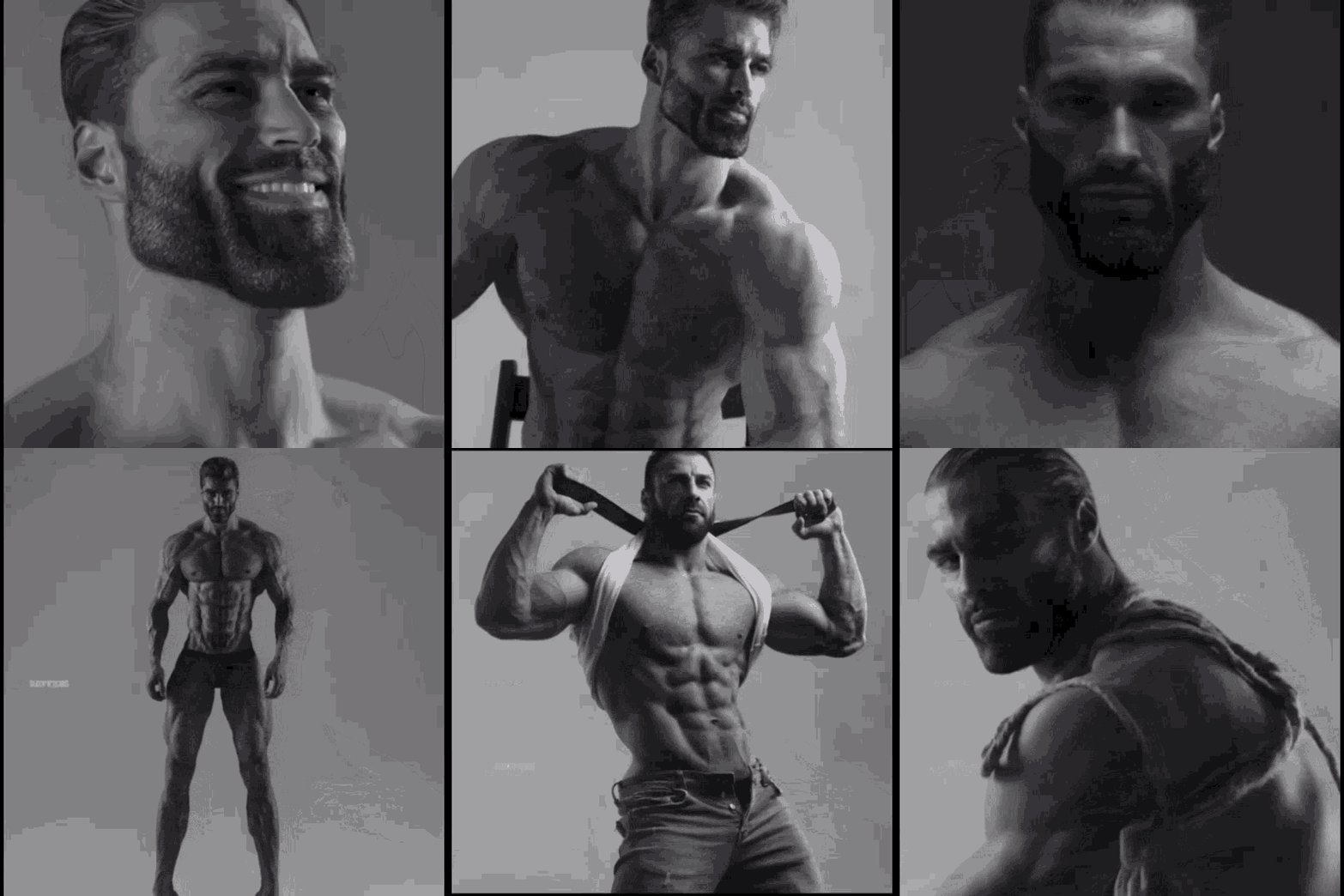
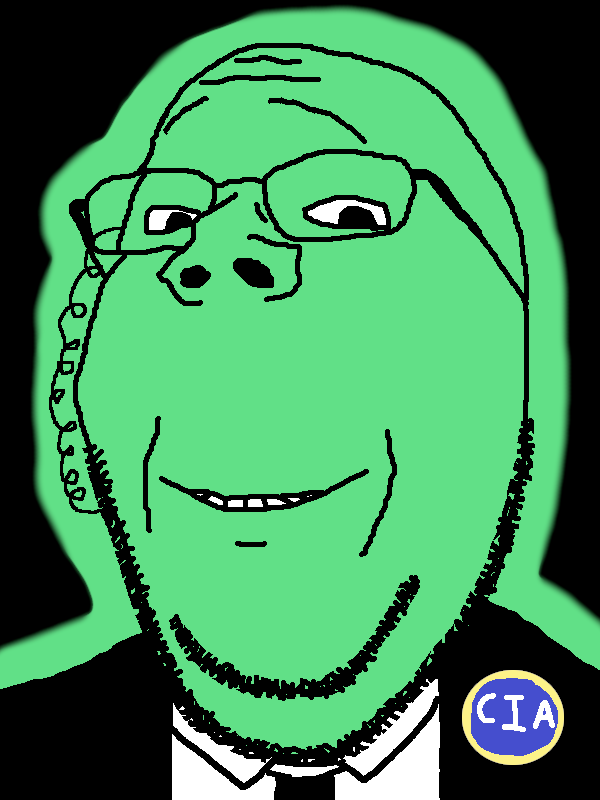
Edits are badass videos that 'teens and other people make. They usually have chuddy stuff in them. A subset of edits are Dox Edits, which show a troon's addy.
Outside the Sharty, cacas and football fans on ChinkTok love making these with Brazillian phonk music.
Modern edits feature music accompanied by a rhythmic sequence of vibrant images. They incorporate animated effects and text, heckin valid transitions, image transformations (rotation, position, scale and even skew), and whatnot. More sophisticated edits can also feature camera animation, sound effects, color grading, and time-manipulation.
Dox edits
[edit | edit source]See also: Category:Dox edits
Dox edits are a kind of edit most often found here on the Sharty, being edits of the dox process and the eventual info dump. They are very important, as they boost the raid soldiers' morale and bring winraids and operations to a successful conclusion in a gemmy way. They are sometimes sent to the dox target to generate even more seetheralds.
Editing Software
[edit | edit source]There are many different applications 'teens will use to make edits. While all of them can allow you to compile information into well-constructed videos, some are certainly better than others.
DaVinci Resolve
[edit | edit source]DaVinci Resolve often referred to as just Resolve, is an Aussie video editing software used to create A24 Slow-Burn Masterpieces. It is available for free on both PC and Apple devices. They may try to request information from you before downloading, but you could simply lie and make things up.
Crack for DaVinci Resolve 20.3.2
sudo /usr/bin/perl -pi -e 's/\x74\x11\xe8\x21\x23\x00\x00/\xeb\x11\xe8\x21\x23\x00\x00/g' /opt/resolve/bin/resolve
CapCut
[edit | edit source]CapCut, also known as GoyCut, is perhaps the most common and easiest-to-use editing software available. It is free and available for every device, but many of its features are locked behind a paywall. While it may be preferable for those with no editing experience or lower-end devices, it will restrict the gemminess of your edit which could lead to some 'teens considering it coal or slop fit for the cacas over on JewTok.
Premiere Pro
[edit | edit source]Adobe Premiere Pro, or sometimes referred to as simply Premiere, is a professional video-editing software that is often used to make some of the highest-quality edits found on the Sharty/Soybooru. It is also, however, the most inaccessible to the average soyteen as you must pay a hefty subscription fee each month to use it. In response, some 'teens will simply pirate the software rather than give money to the greedy Jews at Adobe.
After Effects
[edit | edit source]To create the brightest gemerald of them all, real niggas use Adobe After Effects (or simply AE) in conjunction with it. It helps achieve truly top-notch animations, transitions, and special effects, basically anything your creative brain can shit out. It is not hard to learn if you're autistic enough and have enough passion and patience, and it is very rewarding once you get a hang of it. Like premiere, it costs thrembillion shekels monthly and nobaldi actually buys it yet somehow owns it. It is also very heavy on your device so don't bother trying to run it on your cheap laptop or something.
Kdenlive
[edit | edit source]Kdenlive is a free and open source video editor. Like most other FOSS alternatives to established proprietary software, it's very lacking in UX and features, but might be preferable if you care about software freedom. It's completely free and does not attempt to collect your information.
Dox edit guide
[edit | edit source]Preparation
[edit | edit source]Assuming you already know the basics of your editing software, gather all your materials (music, images of 'jaks, thread screenshots/scrolling screenrecording, pedotranny facedox, and so on) into a separate folder. You can use Google Earth Studio to generate an animation zooming in on a house (doe note that it only works on the Chrome browser). Once everything is ready, load it into your editing software, put your chosen music track into the timeline, and start from there. If it is supported, mark the music beats on your timeline or use the audio waveform. If nothing is available, use your ears and just eyeball it.
Basics
[edit | edit source]Once everything is set up, start adding your content. Dump your materials onto the timeline, position them to fill the space of your composition, and sync their appearance with the music. Best-case scenario: it will look like shit. Make it better by creating IN-transitions or animations. Congrats, you made your simple dox edit! Though, it now looks like a Windows Movie Maker slideshow, which is fine (especially if you actually made your edit in WMM 
-
Dumping your stuff
-
Syncing it with music
-
Making simple animations
Gemming up
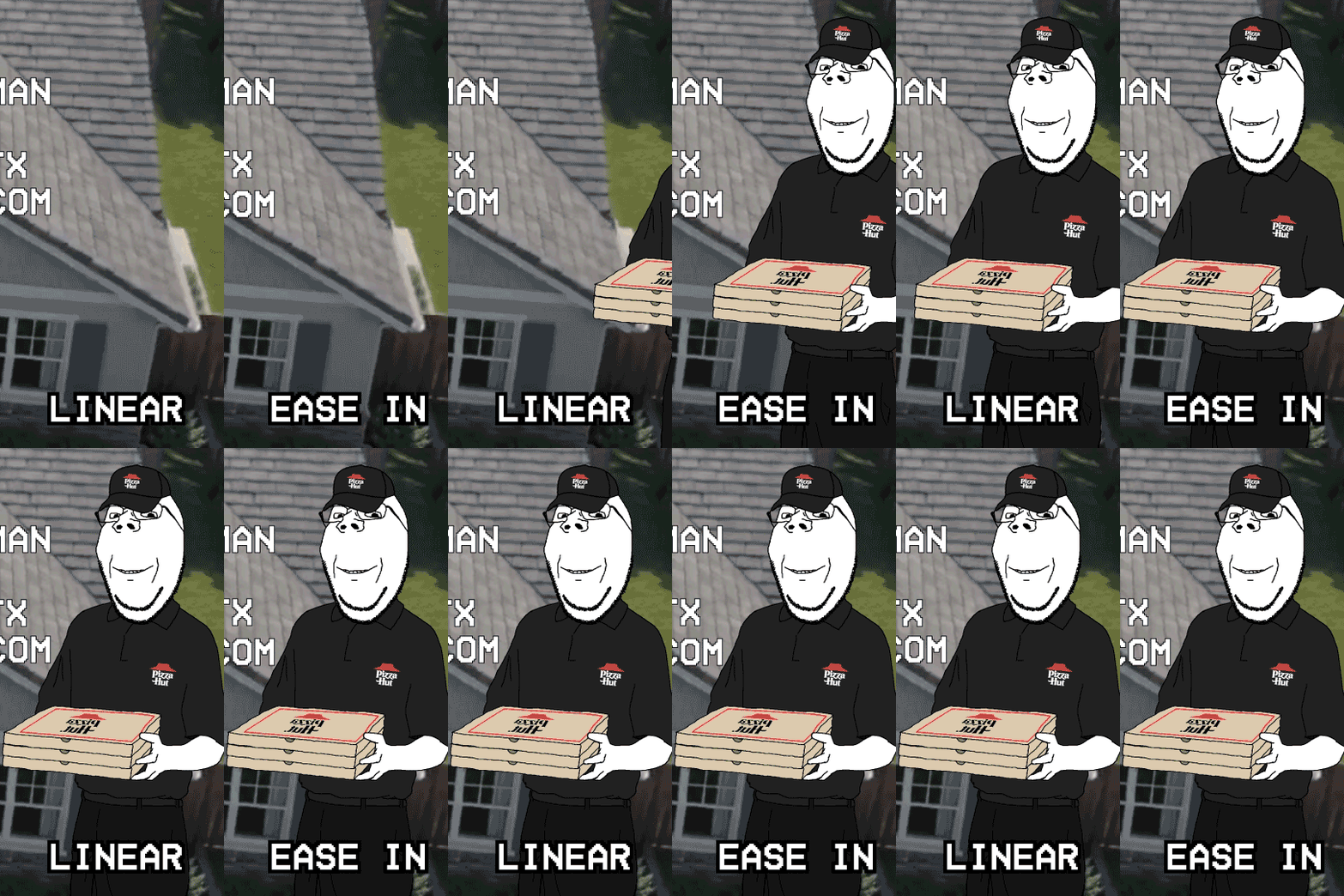
[edit | edit source]From this point, you should be creative and improvise. To make your visuals look more aesthetically pleasing, you need to understand that most software automatically makes keyframe animations linear. This looks very unnatural because no real-world object moves that way. Find out how to ease your keyframe graph inside your editing software to fix this.
Notice how the text just pops into existence. While this is usually fine, if you want to make it less boring, you can add a small jitter animation by moving the text slightly less than a second after it appears. Basically all chuddy edits have constantly rotating hyperburrito sonnenard in the background so why not add it too.
-
Linear animation vs Ease animation
-
Finishing your dox edit

Now it looks decent enough. You can make more edits using doxes from the operations and combine them into one big 'toss, or you can practice on SNCA doxes, bringing some joy to the lonely /raid/ troops.
Advanced techniques
[edit | edit source] YOU ARE ATTEMPTING TO ACCESS CONFIDENTIAL MATERIAL! |
|---|
| [CLICK THIS BUTTON AT YOUR OWN RISK] If anything above looks too boring and easy for you, you can use more complex, advanced esoteric techniques to further refine your edit. You can manipulate time, lightness, darkness, colors, the environment, and basically anything else that comes to mind. Add more effects, add motion blur, make things glow, and move objects in 3D space. The possibilities are endless; you are practically a god creating your own universe. Remember to not overdo it unless you want your dox edit to become schizo edit.
|
Miscellaneous
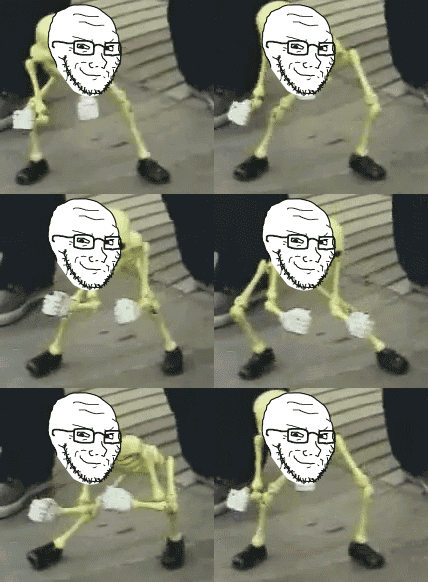
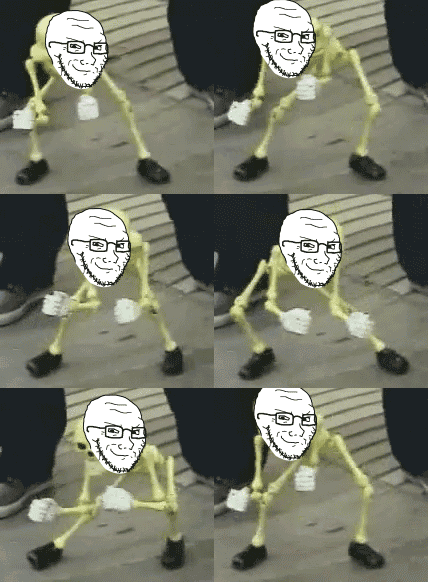
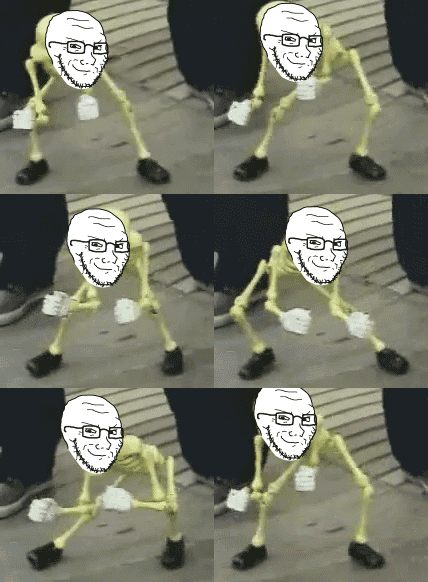
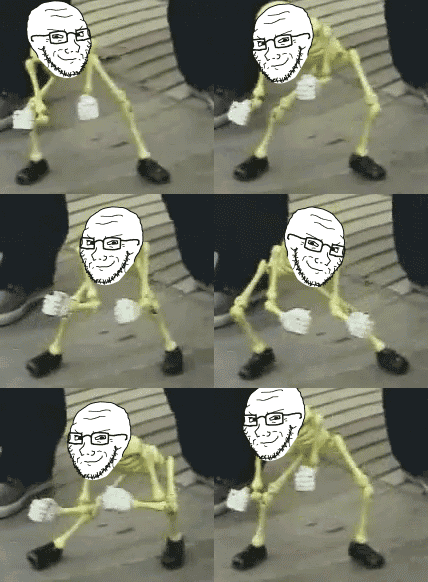
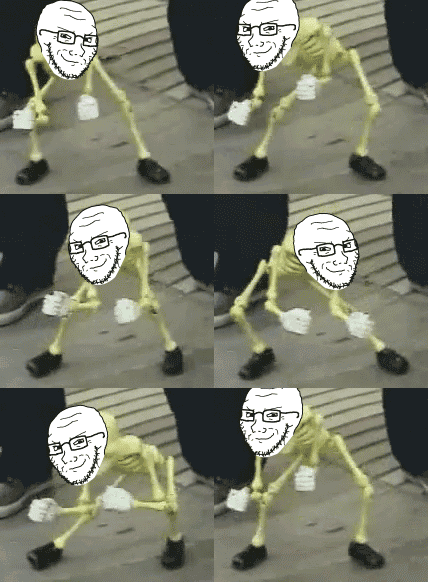
[edit | edit source]More often than not, you’ll find yourself wanting to animate a head or object over existing video. Do NOT do it unless you know how to animate position; don't just stick image on top of some footage and call it a day, it will look like shit. At least put in a little effort to animate the movement of the desired object. Ideally you should use motion tracking, but doing animation by hand is fine as long as it has interpolation between the keyframes.
-
The most shitskinned way to do it
-
A bit better but not good
-
This one is okay
-
High effort gem
-
The best way (using motion tracking)


IAS Edits
[edit | edit source]-
-
doll edit
-
One of the gemmiest non-dox edits
-