Soyjak Wiki:Text styling overdose


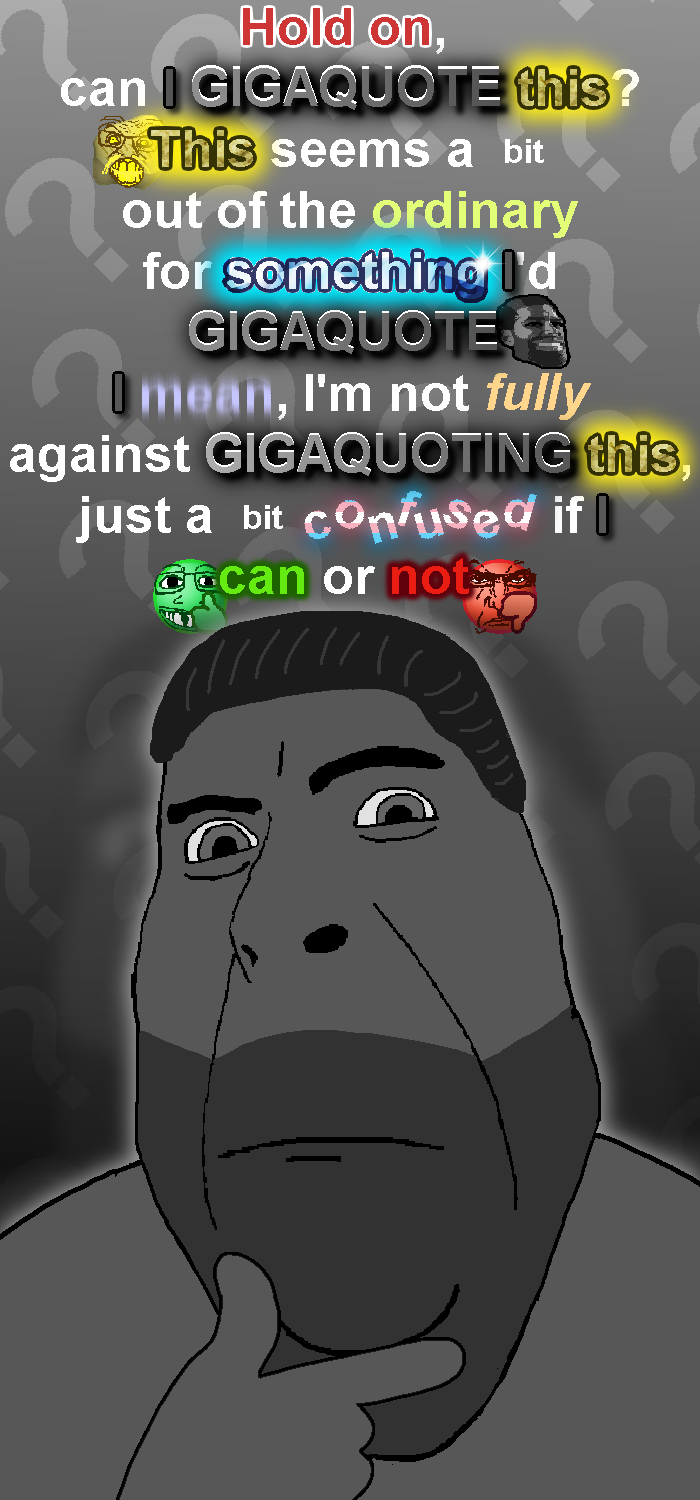
Text styling overdose is [when] (You), or [another] Soyjak Wiki
editor mistakenly or purposely puts useless nigger effort into spamming 50000 text styling templates into the page, therefore making it hard to read (((or))) otherwise 


(((burden))). Articles such as ADHD and (((Echo))) are exempt🗝️ from this becauseof its unique gimmick.

50000 text styling templates into the page, therefore making it hard to read (((or))) otherwise Edits like these are very annoying to other Soyjak Wiki (((editors))), to the point🔒 that there was an entire site notice about it[1].
How to remove text styling spam
Its recommended that you go into the source editor for this.
- Go to the page you want, where it has lots of text font spam.
- Go into source editor (located on the top of the article, next to the Edit button.)
- Find the block of stylization text, these templates are normally formatted like:
{{AnnoyingFont|Sample Text}}(you can find them more quickly by typing ctrl + F and then {{ to find all template brackets) - Remove the template headers and template reference, it should now look like
Sample Text - Do this sparingly, only keep the stylization on important highlights.
And you are done; you have now removed blocks of template text.
See also
[edit | edit source]Snopes
| Sources | ||
|---|---|---|
| Symptoms | ||
| Tyranny | ||
| Treatment |
| |